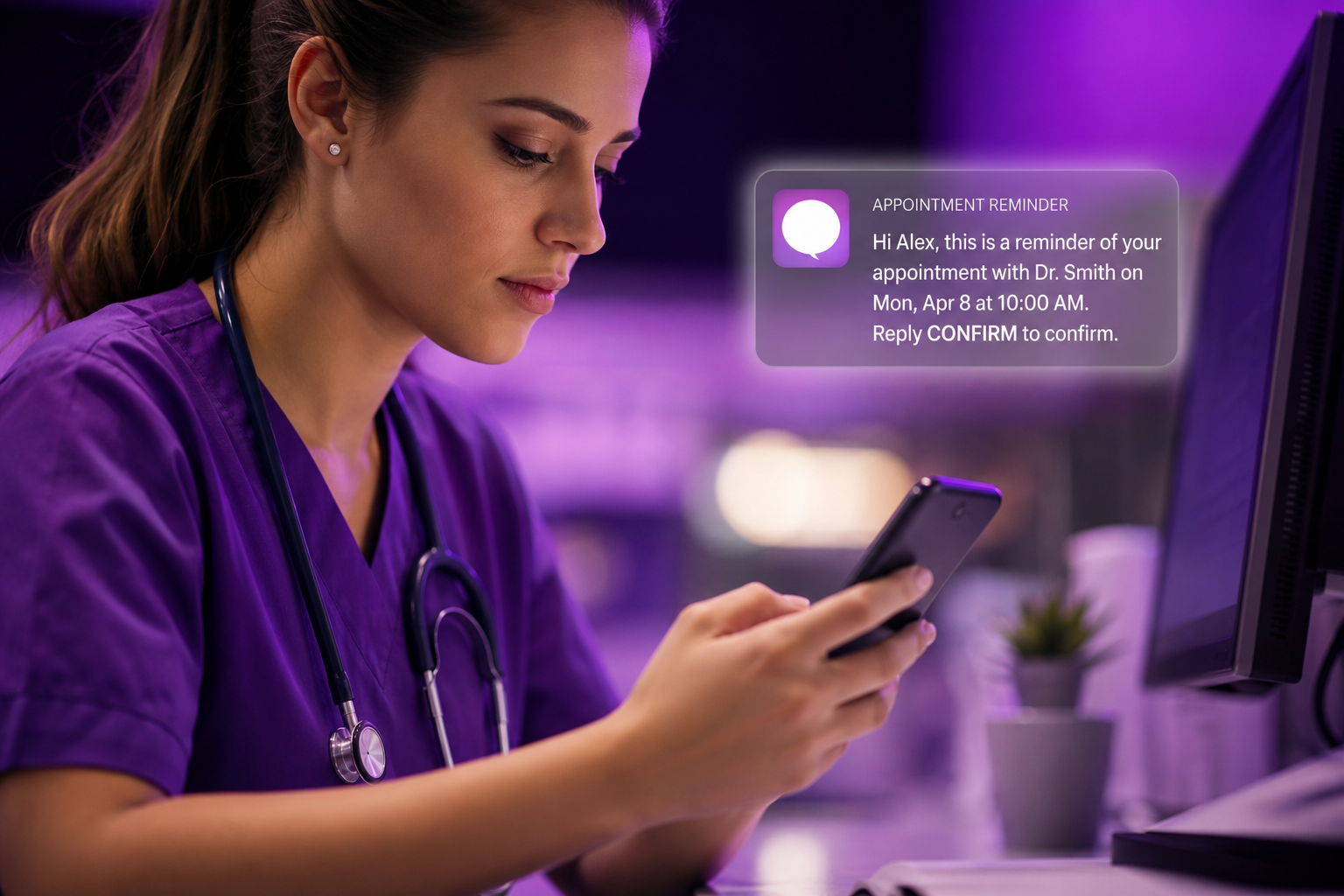
Front-desk staff at a mid-sized practice don't need another dashboard to babysit. They need the morning schedule to hold up by 3 p.m. That's the real test of text message appointment reminders for medical offices: whether the system quietly does its job while staff handle the fifty other things competing for their attention. Walk through a typical day, and the value of a well-built reminder system becomes clear in the gaps it fills rather than the features it advertises.
Morning: Loading the Day's Reminder Queue
By 7:30 a.m., most practices using text message appointment reminders for medical offices have already had the day's confirmations sent automatically overnight. Staff arrive to a pre-sorted queue of confirmed, unconfirmed, and no-response appointments instead of a stack of paper charts and a guessing game about who's actually showing up.
Why Automation Matters Before the First Patient Walks In
DoctorConnect's platform pulls appointment data directly from more than 150 supported EHR and practice management systems, so reminders go out without a staff member manually keying in phone numbers or appointment times. That integration absorbs much of the morning chaos before it reaches the front desk.
Midday: Confirmations, No-Shows, and the Waitlist Shuffle
By 11 a.m., confirmation replies start rolling in, and text reminders become a scheduling tool. A patient texts back "can't make it," and staff can offer that 2:15 slot to someone on a waitlist immediately.
Turning Cancellations Into Rebookings
The practical skill is acting on the reply fast enough to matter. Practices that build this into their midday routine can fill same-day cancellations more readily than those relying on phone-tag rescheduling.
Worth knowing: the reminder itself rarely causes friction. A poorly built two-way reply workflow can. Some systems generate a confirmation text but have no clean path for staff to see and act on a "no" reply without digging through a separate inbox. DoctorConnect's queue surfaces those responses directly in the scheduling view, rather than requiring a front-desk employee to toggle between three screens during a lunch rush.
Afternoon: Last-Minute Cancellations and Rescheduling
By 2 p.m., the pattern repeats with higher stakes. Afternoon no-shows are harder to backfill because there's less runway left in the day. This is where same-day and next-day reminder timing earns its keep. Two well-timed messages catch more patients who forget entirely than one does.
Staff Time Saved Alongside Fewer No-Shows
The ROI conversation tends to center on no-show rates, but the hours saved on manual phone confirmations matter as much. Staff who used to spend an hour a day calling patients can redirect that time to patients physically in the building, the entire point of running a practice.
End of Day: A Schedule That Actually Holds
By closing time, the difference between a practice running reminders well and one running them as an afterthought is visible in the day's fill rate. Staff patched gaps in real time instead of discovering them in a post-mortem the next morning. The operational case for text message appointment reminders for medical offices is a schedule that behaves the way it was built to.
No single feature fixes a chaotic schedule, but a reminder workflow that integrates with existing systems, surfaces replies where staff already work, and times messages intelligently removes a meaningful share of the daily friction. The practices seeing the strongest results make reminders part of the scheduling process itself, rather than treating them as a bolt-on notification tool.
When you're ready to evaluate Text Message Appointment Reminders for Medical Offices: A Day-in-the-Life Workflow Walkthrough for your practice, DoctorConnect's team is one call away .