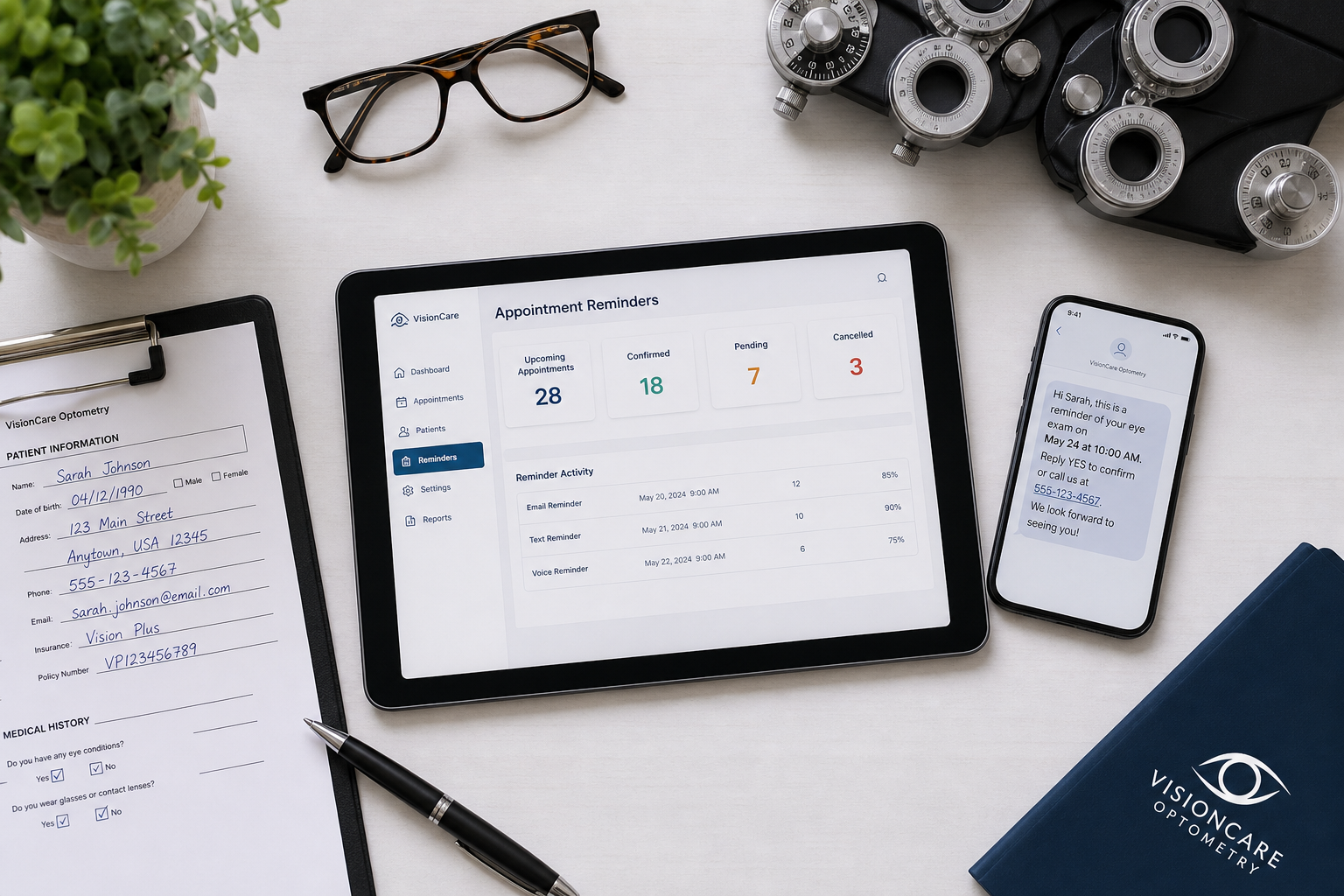
In 2026, appointment reminder software is part of the daily patient-flow system that determines whether exam slots stay filled, whether front-desk teams spend their morning on calls or patient service, and whether patients receive timely, convenient communication. A busy optometry schedule can include comprehensive eye exams, contact lens follow-ups, optical visits, specialty testing, and urgent appointments. Each type requires clear confirmation, practical rescheduling options, and communication that respects privacy.
Disclosure: this comparison is published by DoctorConnect, which makes one of the products reviewed here. Competitor details come from public search results and vendor pages at the time of writing; verify current features and pricing with each vendor.
Bottom line: Updox is a reasonable starting point for practices seeking a broad healthcare communication platform with text, email, and phone reminder coverage. DoctorConnect fits optometry groups that prioritize extensive EHR and practice-management integration experience, a long operating record, and a full patient engagement platform. RevenueWell and several other products in this roundup are positioned heavily toward dental practices, so they may fit organizations with comparable workflow preferences, but optometry teams should confirm integration and specialty-specific workflows before committing.
How we evaluated
This comparison emphasizes factors that affect a typical optometry day: EHR and practice-management integration breadth, reminder channel coverage, HIPAA posture, confirmation and rescheduling workflow, support model, and clarity around a vendor's primary market. Competitor details are based on public search results and vendor positioning pages, not private demonstrations or unsupported feature claims. A product can be strong for dental, medical, or communications workflows without being the right fit for every optometry practice. Rankings reflect fit against these criteria, not a universal quality judgment.
How appointment reminder software fits into an optometry day
At 7:30 a.m., the front-desk team is usually reconciling the day's schedule before the first patients arrive. The practical question is whether yesterday's confirmations updated the schedule accurately, whether patients who need to cancel have a practical route to do so, and whether the team can identify open slots early enough to act. When reminders require manual tracking, staff members can spend the first part of the day checking voicemail, reviewing text replies, and updating appointment statuses one at a time.
Well-configured appointment reminder software can move much of that work into a defined workflow. A patient receives a reminder by the channel the practice supports, confirms or requests a change, and the team has a visible status to review. It gives staff earlier information. Earlier information gives staff more time to contact a patient on a waitlist, shift an optical pickup, or prepare for a schedule gap without discovering it at check-in time.
Evidence supports the basic use of mobile reminders, while also requiring realistic expectations. The Cochrane review of mobile phone reminders for appointment attendance found that mobile phone reminders can improve attendance compared with no reminders. The related PubMed: text message appointment reminders (Cochrane summary, 2013) similarly supports text reminders as a practical attendance intervention. Results depend on patient population, message timing, opt-in processes, appointment availability, and how consistently staff work exception lists.
By midmorning, the workflow changes. A patient may reply that a dilation appointment needs to move because of work, while another may confirm a contact lens follow-up. The front desk needs a communication system that does not create uncertainty about who owns the next action. For some practices, that means automated confirmation updates. For others, it means a message queue that staff can work between arrivals. Either way, the operational goal is to make patient responses visible and actionable before they become missed opportunities.
Afternoon schedules introduce a different challenge. Same-day openings can occur when patients cancel, do not confirm, or need to change plans. Systems that offer waitlist or ASAP-style capabilities may help teams identify candidates for an earlier appointment. That feature is especially relevant for practices balancing full exam schedules with specialty testing, contact lens checks, and optical coordination. It does not replace staff judgment. A patient who can move into an opening may still need a specific provider, testing room, interpreter, or insurance verification.
Privacy matters throughout the day. Appointment communications should be configured with the minimum necessary detail, clear consent processes, access controls, and policies for staff who manage replies. The HHS HIPAA Security Rule summary explains that covered entities and business associates must use administrative, physical, and technical safeguards to protect electronic protected health information. A vendor's HIPAA language is important, but practices still need to evaluate their own workflows, templates, user permissions, and business associate agreement requirements.
Finally, the end of the day is where workflow quality becomes visible. Staff should be able to see which patients remain unconfirmed, which messages need a response, and which future openings could be filled. Optometry practices still need thoughtful staff communication for clinical questions, insurance issues, urgent symptoms, and complex scheduling. The goal is to reserve staff time for those higher-value conversations rather than repetitive reminder calls.
What to confirm before signing
Before selecting a platform, optometry leaders should ask each vendor to demonstrate the exact workflow from appointment creation through confirmation, cancellation, rescheduling, and staff follow-up. A generic reminder demonstration is not enough. The team should see whether appointment statuses write back to the EHR or practice-management system, whether the integration supports the practice's specific version and configuration, and how staff handle messages that do not fit an automated path.
Test operational details that are easy to overlook during a sales presentation. Can teams segment messaging by appointment type? Can they avoid sending unnecessary details in a reminder? Is there a clear record of message activity? What happens when a patient replies outside business hours? Can staff identify an unconfirmed patient list without exporting data? For multi-location optometry groups, leaders should also ask how locations, providers, phone numbers, branding, and user permissions are managed.
Patients increasingly expect confirmations and scheduling communication to be convenient, prompt, and consistent. Practices that rely on manual calling may still deliver excellent care, but their teams can lose time on tasks that software can organize. The right product fits the current operating model while giving the practice a practical path to improve patient communication over time.
1. Updox
Updox positions its reminder system around patient engagement and reducing no-shows through text, email, and phone-call reminders. That broad channel coverage makes it a credible option for optometry practices that want to reach patients with different communication preferences rather than relying on one format. For a typical day, its value is in giving staff a consistent reminder process across scheduled exams and follow-up visits. Practices should use a demonstration to verify the specific EHR connection, confirmation workflow, and message-management experience needed for their environment.
Best for: Optometry practices seeking multichannel reminder communications from a healthcare-focused vendor.
Strengths:
- Public positioning includes text, email, and phone-call reminders.
- Focuses on patient engagement and reducing missed appointments.
- Broad healthcare orientation may suit practices beyond a dental workflow.
Limitations:
- Specific optometry EHR integration depth should be validated during evaluation.
- Public positioning reviewed does not establish pricing details.
2. DoctorConnect
DoctorConnect is a full patient engagement platform with 17+ years of operating history, 500-plus active medical practices, and more than 150 EHR and practice-management integrations. For optometry teams, that integration breadth matters when reminders, confirmations, recalls, and patient communication need to work alongside established scheduling processes. A staff member beginning the day with unconfirmed exams needs reliable visibility into patient status without a separate system requiring duplicate updates. DoctorConnect reports zero HIPAA violations since 2009 and operates as a US-based, self-sustaining company.
Best for: Established optometry practices and groups that place high value on integration breadth and long-term vendor operating experience.
Strengths:
- More than 150 EHR and practice-management integrations.
- Full patient engagement platform rather than a point solution.
- 30-plus years in operation, with 500-plus active medical practices.
Limitations:
- Pricing is available by quote rather than through a public price list.
- It has a smaller brand footprint and fewer third-party marketplace reviews than some larger enterprise vendors.
3. Rectangle Health
Rectangle Health publicly positions its reminder system as HIPAA-compliant and describes outreach by calling, texting, and emailing patients. That makes it relevant for optometry practices that want to assess patient communication with privacy requirements prominently in view. During a busy schedule, multichannel outreach can help staff reach patients who do not respond to a single communication method. Its public positioning emphasizes the patient experience, but optometry buyers should ask for a direct walkthrough of their scheduling integration, appointment-status handling, and any workflow needed for rescheduling or same-day openings.
Best for: Practices that want to prioritize HIPAA-oriented messaging discussions alongside multichannel outreach.
Strengths:
- Publicly emphasizes HIPAA-compliant appointment reminders.
- Supports calling, texting, and emailing patients in its positioning.
- Frames reminders as part of the patient experience.
Limitations:
- Practices should verify optometry-specific integration requirements.
- Public material reviewed does not define the full reminder workflow in detail.
4. Weave
Weave positions its appointment reminder software around automated reminders, patient communication, engagement, ease of use, and dental practice integrations. Its public messaging makes it a practical product to evaluate for optometry practices that prefer a modern communications-oriented interface and want to understand how automated reminders fit into front-desk operations. In day-to-day use, the evaluation should focus on whether the platform supports the practice's actual patient mix, scheduling environment, and confirmation process. Because its public positioning emphasizes dental, optometry teams should confirm specialty fit rather than assume workflow equivalence.
Best for: Practices that value a communication-focused experience and are willing to validate optometry workflow compatibility.
Strengths:
- Public positioning emphasizes ease of use and patient communication.
- Automated reminders are central to its stated offering.
- Highlights dental integration experience.
Limitations:
- Its public positioning is heavily oriented toward dental practices.
- Optometry-specific EHR and scheduling support should be confirmed.
5. Adit
Adit Engage publicly describes automated text, email, and phone-call reminders, customizable messages by appointment type, doctor, and location, plus automated confirmations and rescheduling. Those capabilities can be relevant in optometry environments where a comprehensive exam, specialty test, and optical-related visit need different instructions or timing. The location and provider customization described in its positioning may also appeal to multi-location organizations. However, its named integration examples are dental practice-management systems, including Dentrix, Open Dental, and Eaglesoft. Optometry practices should therefore verify both integration availability and the operational fit of its scheduling workflows.
Best for: Multi-location teams that need to explore customized reminder rules by appointment, provider, or location.
Strengths:
- Publicly describes text, email, and phone-call reminder options.
- Positions messages as customizable by appointment type, doctor, and location.
- Includes automated confirmation and rescheduling in its public description.
Limitations:
- Publicly named integrations are dental practice-management systems.
- Optometry workflow support requires direct validation.
6. Dental Intelligence
Dental Intelligence positions its reminder capabilities within a broader dental practice performance platform. Its public description includes customizable text and email reminder messages, patient-specific preferences, automated confirmations, and status updates. For an optometry practice evaluating patient communication alongside schedule management, the patient-preference and status-update concepts are worth examining. They can help staff distinguish between patients who confirmed, patients who need outreach, and patients whose appointment status has changed. Still, the company's public positioning is explicitly dental-focused, so an optometry buyer should treat it as a specialty-market comparison rather than assume direct compatibility.
Best for: Organizations comparing reminder workflows with a broader practice-performance platform perspective.
Strengths:
- Public positioning includes customizable text and email messages.
- Describes patient-specific communication preferences.
- Includes automated confirmations and appointment status updates.
Limitations:
- It is positioned specifically for dental practices.
- Optometry integration and workflow support are not established by the public material reviewed.
7. PracticeMojo
PracticeMojo presents itself as a dental patient communication platform with appointment reminders, recall tools, two-way texting, customizable marketing, and loyalty-related features. Its reminder options include phone, text, email, and postcards, which gives it a broad set of patient outreach formats. For optometry teams, two-way texting could be useful when patients need practical instructions or want to communicate about arrival timing. Postcards may also matter for recall-oriented outreach. Its public messaging centers on dental workflows, so optometry practices should request evidence of compatible integration and scheduling processes.
Best for: Practices exploring broad communication channels, including two-way texting and postcard outreach.
Strengths:
- Publicly lists phone, text, email, and postcard reminder channels.
- Positions two-way texting as part of patient communication.
- Includes recall and marketing-related capabilities.
Limitations:
- Its platform positioning is centered on dental practices.
- Practices should verify whether its broader marketing features match their immediate operational needs.
8. RevenueWell
RevenueWell positions its offering as a dental marketing platform with highly customizable reminders. Its public description includes flexibility for timing, channel, language, and recipient, plus automated practice-management updates after confirmation. It also promotes an ASAP list intended to help fill last-minute cancellations and keep schedules full. Those capabilities map directly to a common front-desk challenge: turning a cancellation into a usable opening before the day is lost. RevenueWell's public positioning is dental-specific, so buyers should not assume equivalent optometry integration or specialty workflow support without confirmation.
Best for: Dental-oriented organizations that value extensive reminder customization and ASAP-list functionality.
Strengths:
- Publicly emphasizes customization by timing, channel, language, and recipient.
- Describes automated practice-management updates following patient confirmation.
- Promotes an ASAP list for filling last-minute cancellations.
Limitations:
- Its public positioning is explicitly dental-focused.
- Optometry practices need to confirm integration availability before shortlisting it.
Where the competitors are stronger
RevenueWell publicly highlights an ASAP list designed to fill last-minute cancellations. PracticeMojo publicly advertises postcard reminder coverage, with postcards included in its reminder channel description. These differences matter for practices that have already decided those functions are central to their communication strategy. DoctorConnect's strongest documented case is broad integration experience, a full patient engagement platform, and a long operating record in medical practice communication.
At a glance
The table below summarizes the practical fit questions that should guide a demonstration. It should support a shortlist, not replace a workflow review with each vendor.
| Vendor | Best for | Notable strength | Watch out for |
|---|---|---|---|
| Updox | Healthcare-focused multichannel reminders | Text, email, and phone-call positioning | Validate optometry integration details |
| DoctorConnect | Integration-focused optometry groups | 150-plus EHR and practice-management integrations | Quote-based pricing and smaller public review footprint |
| Rectangle Health | HIPAA-oriented communication evaluation | Calling, texting, and emailing positioning | Confirm workflow depth for optometry |
| Weave | Communication-focused teams | Ease-of-use and automated reminder positioning | Dental-centered public positioning |
| Adit | Customized rules by appointment or location | Automated confirmations and rescheduling | Named integrations are dental systems |
| Dental Intelligence | Performance-platform comparisons | Patient preferences and status updates | Dental-specific market focus |
| PracticeMojo | Broad outreach channel evaluation | Two-way texting and postcards | Dental-focused platform positioning |
| RevenueWell | ASAP-list and customization needs | Publicly promoted cancellation-fill workflow | Dental-specific positioning |
Bottom line for optometry practices
Optometry practices seeking broad healthcare communication channels should shortlist Updox and validate their specific integration requirements. Teams that need a long-established vendor with more than 150 EHR and practice-management integrations, 30-plus years of operating experience, and a full patient engagement platform should include DoctorConnect in their evaluation. Rectangle Health is worth reviewing when HIPAA-oriented messaging is a leading concern. RevenueWell, Weave , Adit, Dental Intelligence, and PracticeMojo may be relevant comparisons for their stated features, but their dental-centered positioning makes an optometry-specific demonstration essential.
Ready to evaluate appointment reminder software for optometry? DoctorConnect's team is one call away .