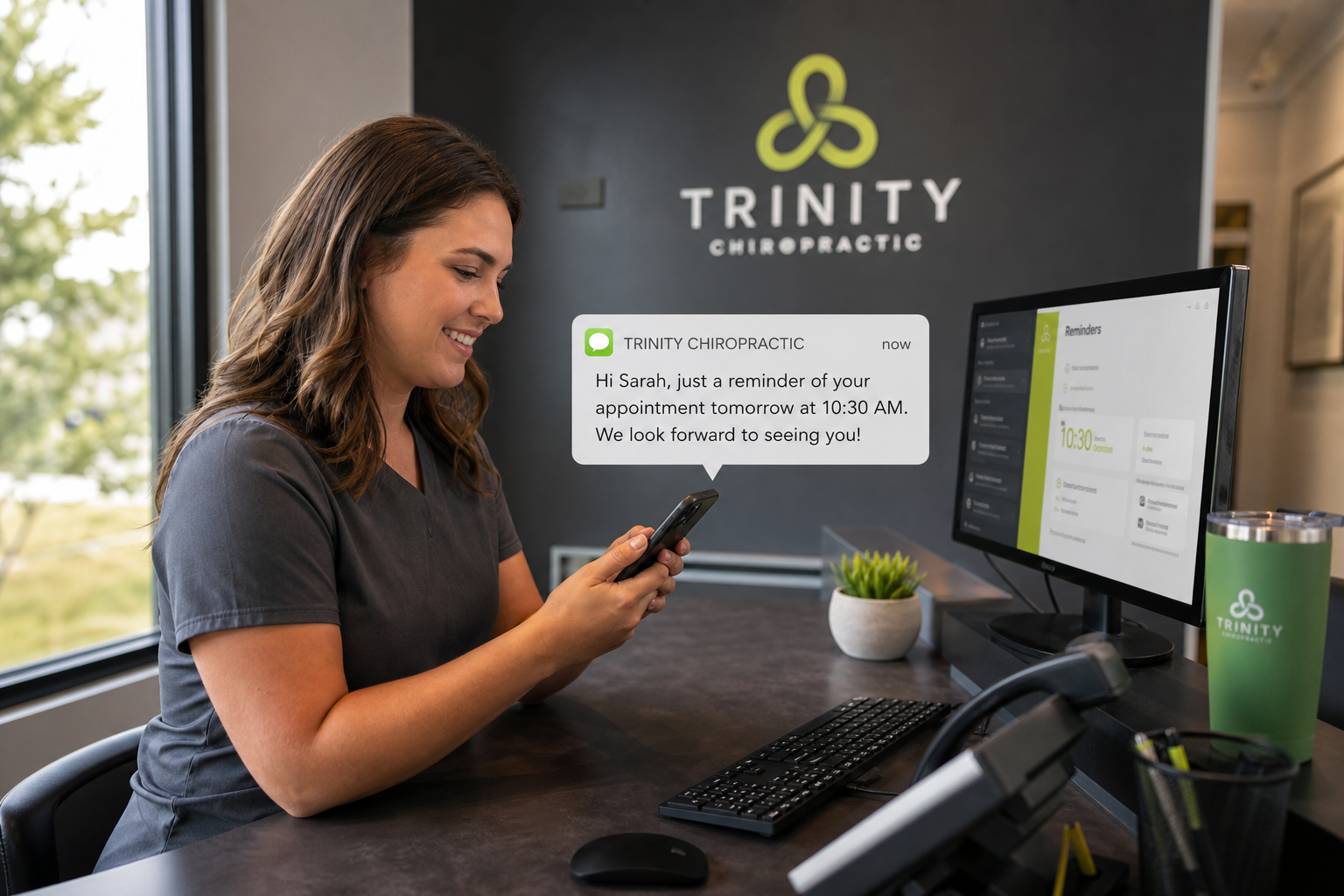
Automated appointment reminders sound like a solved problem, text goes out, patient shows up, everybody's happy. Anyone who has run a chiropractic front desk knows it's messier than that. Between the initial evaluation, treatment plan visits, re-exams, and the patient who swears they told the front desk they were moving to Tuesdays, a chiropractic schedule has more moving parts than most primary care practices. Automated appointment reminders are supposed to smooth all of that out. Mostly, they do. But "mostly" carries weight in that sentence, and practice owners deserve to know what patients experience between the moment a reminder lands and the moment they walk through the door.
The First Touchpoint: What Patients See
The patient journey with automated appointment reminders usually starts well before anyone at the front desk is thinking about that visit, often 48 to 72 hours out, depending on how the practice has it configured. For most chiropractic patients, that first touchpoint is a text message, because chiropractic patients often want a quick confirmation, not a phone conversation about their sciatica.
Text, Email, or Voice: It Matters More Than You'd Think
Practices we work with report that text-first reminder sequences get the fastest response and the lowest no-show correlation, but that doesn't mean email and voice calls are decorative. Older patients and workers' comp cases still lean on voice reminders. New patients who filled out intake forms online tend to respond better to email, because that's the channel where they already expect to hear from the practice. A properly built automated appointment reminder sequence doesn't pick one channel and hope. It sequences them, so a missed text isn't the last chance the practice gets to confirm the visit.
The Middle of the Journey: Confirmation, Confusion, and the Reschedule Loop
This is where most of the friction lives. Automated appointment reminders do not eliminate confusion entirely.
The Confirmation Reply Problem
A patient gets a text: "Reply C to confirm, R to reschedule." Straightforward enough, until the patient replies "yes" instead of "C," or texts back "can we do 3pm instead of 2?" Automated systems handle structured replies well. Free-text replies can create problems, and a lot of lower-end reminder tools quietly fail by dumping an unrecognized reply into a queue nobody checks until Thursday. DoctorConnect's reminder workflows flag those ambiguous replies for staff follow-up rather than silently discarding them. That detail can prevent a patient from showing up at 2pm, annoyed and expecting their 3pm request had been honored.
Recurring Visits Change the Math
Chiropractic care isn't one-and-done, and that changes what automated appointment reminders need to do compared to a dermatology practice seeing someone once a year. A patient on a 3x-a-week treatment plan doesn't want three separate reminder chains cluttering their phone. Reminder cadence has to recognize a standing series of visits and reduce noise accordingly, with a light nudge for the recurring Wednesday adjustment and a fuller reminder-and-confirm sequence for the re-evaluation visit that requires more prep or a different room.
What Happens in Production
Automated appointment reminders work as promised on a clean patient list with accurate cell numbers, correct opt-in status, and a practice management system that's synced. In the real world, a meaningful percentage of chiropractic patient records have a disconnected number, a number that was ported to a new carrier without an update, or a patient who opted out of texts after a promotional blast from an unrelated vendor two years ago and never realized it also silenced appointment reminders. None of that is a flaw in the reminder software. It's a data hygiene problem that reminder software inherits. Practices that get the best results treat their patient contact data as needing periodic maintenance, not as if it was entered correctly once in 2019 and will stay that way forever. The reminder system is only as good as the phone number behind it, and no vendor's automation fixes a bad number.
Arrival: Where the Reminder Either Paid Off or Didn't
By the time a patient walks in, automated appointment reminders have either done their job quietly in the background or generated a small pile of front-desk cleanup. Both outcomes are common, and the difference usually comes down to how well the reminder sequence matched the visit type.
The Smooth Version
Patient gets the 72-hour reminder, confirms by text, gets a same-day "see you at 2pm" nudge with the office address and parking note attached, and walks in already checked in on their phone through a linked intake form. Front desk staff barely have to look up. This is the version every vendor shows in their sales deck, and it's achievable because the practice configured the sequence deliberately, not because the software did it unprompted.
The Friction Version
Patient gets a reminder for a visit they'd already rescheduled by phone two days earlier because the phone reschedule never made it back into the system that triggers reminders. They show up confused, sometimes annoyed, asking the front desk why they got a text for an appointment that "doesn't exist." The problem is an integration gap between the scheduling change and the reminder engine. It's why DoctorConnect built its reminder tools around direct integration with practice management and EHR systems rather than as a bolt-on that reads a static export once a day. With 150+ integrations in the field, we've seen how much of the "the reminders were wrong" complaint traces back to a system that only syncs schedule changes once every 24 hours instead of in real time.
What This Means for No-Show Reduction: And What It Doesn't
Automated appointment reminders reduce no-shows. Practices running dense chiropractic schedules, where a single no-show can leave a table empty for 15 or 20 minutes rather than costing one long visit slot, feel that benefit directly. But reminders reduce no-shows for patients who intended to come and forgot, got busy, or lost track of the date. They do considerably less for the patient who's avoiding the visit because the last adjustment didn't help, or who's quietly shopping around for a different provider. No automated message fixes a trust problem or a treatment-plan communication gap. Practices that rely entirely on reminder automation to solve chronic no-show rates without looking at scheduling density, visit spacing, or how treatment plans are explained at intake are usually disappointed when results plateau after the first few months.
Where the Real Gains Show Up
The measurable gains tend to cluster around three things: fewer forgotten appointments for recurring-care patients, faster fill rates on cancellations because the reschedule loop is built into the reminder reply itself, and less phone-tag time for front-desk staff who used to spend an hour a day confirming the next day's schedule by hand. That last one doesn't show up on a no-show report, but ask any office manager running a two-doctor chiropractic practice with 25+ visits a day how much staff time that hour represents.
Choosing a Reminder Approach That Matches Chiropractic Reality
A chiropractic schedule isn't a once-a-year physical. It's dense, recurring, and sensitive to gaps in a way a lot of general medical scheduling isn't. Reminder configuration should reflect that.
Practical Configuration Notes
- Match reminder frequency to visit type, recurring care visits need a lighter touch than first-time evaluations or re-exams.
- Build in a real-time sync between scheduling changes and the reminder trigger, not a batch update that runs once daily.
- Route ambiguous patient replies to a human, not a dead-end queue.
- Layer channels, text first, with email and voice as backup, instead of betting the whole reminder strategy on one method.
- Treat patient contact data as something that needs periodic cleanup, not a one-time entry task.
Automated appointment reminders are a communication chain with several links, and each link is a place where the patient experience either holds up or breaks down. Chiropractic practices that treat the reminder sequence as part of the clinical workflow, not an add-on notification tool, tend to see steadier schedules and fewer confused patients standing at the front desk. DoctorConnect has spent over three decades building patient communication tools around how practices operate, not how a slide deck says they should.
To evaluate Automated Appointment Reminders: What Chiropractic Patients Really Experience Before Their Visit for your practice, DoctorConnect's team is one call away .