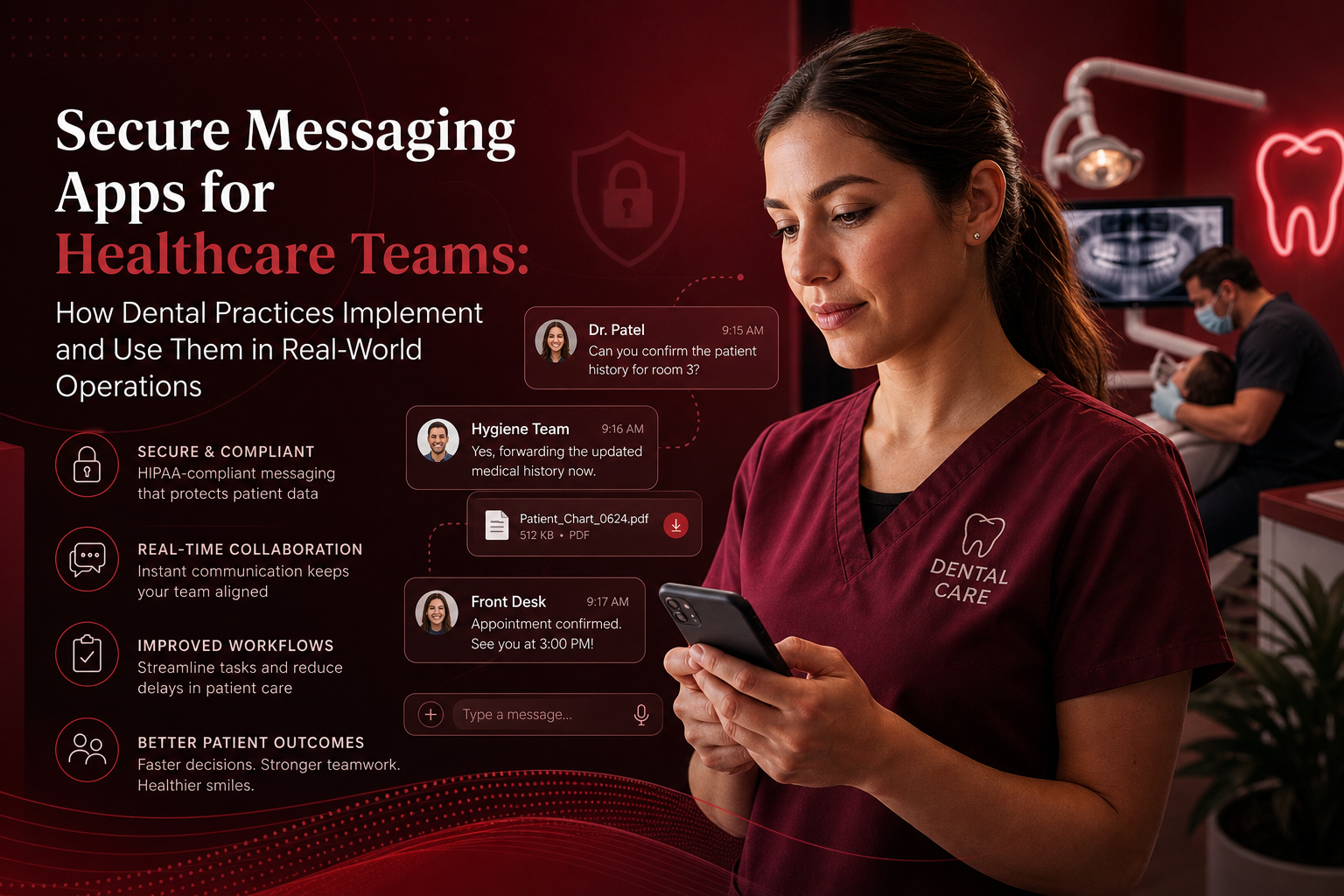
In 2026, secure messaging apps for healthcare teams are no longer a side project for dental operations. They affect whether a treatment-plan question reaches the right person, whether a late cancellation can be filled, and whether protected patient information stays inside an approved workflow. For a dental practice owner, the practical issue is whether staff can adopt a platform without adding clicks, whether it works with existing scheduling and practice-management processes, and whether the communication record is governed appropriately.
Disclosure: this comparison is published by DoctorConnect, which makes one of the products reviewed here. Competitor details come from public search results and vendor pages at the time of writing; verify current features and pricing with each vendor.
Bottom line: Weave is a fit for dental groups seeking a communication platform with a visible dental-market focus. DoctorConnect is worth shortlisting when EHR and practice-management integration breadth, patient engagement workflows, and an established healthcare operating history matter most. BloomText may fit teams that want straightforward patient texting, team chat, and file sharing with a publicly described free-plan option. The right decision depends on workflow scope, staff adoption needs, and how much communication activity must connect back to existing systems.
How we evaluated secure messaging apps for healthcare teams
This comparison focuses on four factors that affect dental operations: integration breadth with EHR and practice-management software, HIPAA posture and business-associate agreement expectations, support for patient and internal-team communication channels, and pricing or implementation transparency. We also considered whether each product's public positioning appears aligned with a dental office's daily schedule, recall, treatment coordination, and front-desk workload. Competitor details below are based on public search results and vendor pages, rather than private demonstrations or assumptions about product capabilities that were not publicly described.
What dental teams need before choosing a messaging platform
A dental office can have a technically capable messaging product and still experience a disappointing rollout. Operational issues usually cause these problems. Messaging tools sit in the middle of several high-pressure moments: patients asking about pre-operative instructions, hygienists trying to clarify a chart detail, treatment coordinators following up on unscheduled care, and front-desk teams responding to cancellation requests while phones are ringing.
Secure messaging apps for healthcare teams should be evaluated against actual communication paths. A practice owner should identify which messages are patient-facing, which are strictly internal, and which messages require an update in the practice-management record. A text asking whether a patient can eat before an appointment is different from an internal image or note requiring restricted access. The platform should support the appropriate channel and process for each use case.
Dental practices also need to distinguish patient convenience from clinical-documentation requirements. A patient may prefer SMS for a reminder or a quick scheduling response, but not every exchange belongs in a standard text thread. Teams need a defined process for moving clinically meaningful communication into the appropriate patient record when required. This is particularly important when messages relate to treatment instructions, consent questions, symptoms, billing disputes, or appointment changes that could affect care delivery.
HIPAA compliance is not created merely by turning on encrypted messaging. The HHS HIPAA Security Rule summary explains that covered entities and business associates must use administrative, physical, and technical safeguards to protect electronic protected health information. In practical terms, that means dental organizations should ask about access controls, user provisioning, device policies, auditability, vendor agreements, and how departed staff members are removed from access.
The HHS Office for Civil Rights HIPAA privacy guidance is also useful context because the Privacy Rule governs how protected health information may be used and disclosed. A messaging product can support a compliant program, but it does not replace a practice's policies, workforce training, or decisions about minimum necessary access. The most productive buyer conversations include both the office manager responsible for daily adoption and the person accountable for privacy and security decisions.
Implementation realities that do not appear in feature grids
Schedule density changes the value calculation. Dental offices do not have unlimited time for staff to search for a patient, copy information between systems, or learn different tools for reminders, patient responses, and internal communication. When appointments are tightly scheduled, a few avoidable minutes per interaction can accumulate into delayed calls, longer wait times, missed same-day opportunities, and staff frustration.
Before selecting a platform, a dental practice should map its highest-volume conversations. Common examples include appointment reminders, confirmations, rescheduling requests, insurance questions, treatment-plan follow-up, post-procedure check-ins, recall outreach, and internal handoffs between the front desk, hygienists, assistants, and providers. A product that is strong for patient SMS may not be equally strong for internal care-team coordination. Conversely, an internal messaging tool may require additional workflow design for patient outreach.
Onboarding matters as much as the software itself. A realistic rollout generally starts with a limited group of users and a narrow workflow, such as appointment confirmations or intra-office schedule changes. Teams should establish who owns message templates, who can communicate on behalf of the practice, expected response times, escalation paths, and when a phone call remains the better communication method. Without these rules, a messaging inbox can become another unmonitored work queue.
Integration questions should be specific. "Does it integrate?" is not enough. A practice should ask whether the connection can identify the correct patient, reflect appointment status, support automated outreach, reduce duplicate data entry, and preserve the workflow if an integration is temporarily unavailable. Practices should also understand whether integration setup is included, whether it is dependent on the existing software configuration, and which staff members will need to validate the result before launch.
For practices evaluating secure messaging apps for healthcare teams, adoption success is usually visible within the first month. Staff should be able to explain where messages go, what messages can be handled in the tool, how urgent issues are escalated, and how patient communication is documented. If the answer changes from employee to employee, the office needs clearer operating procedures before expanding usage.
1. Getweave
Getweave, commonly known as Weave, is publicly positioned around healthcare communications and is widely associated with dental-office workflows. Its public content describes encrypted communication between authorized providers and patients, with an emphasis on care coordination. For dental teams that want a communications layer tied closely to phones, texting, and front-office activity, that positioning is relevant. The platform may be particularly appealing when a practice wants staff to manage patient conversations in a familiar operational context rather than introduce a narrowly isolated secure-chat tool. Buyers should confirm the specific integration, messaging, and security configuration available for their dental software.
Best for: Dental practices seeking a dental-oriented communications platform for high-volume front-office and patient interactions.
Strengths:
- Public positioning is closely aligned with healthcare and dental communications.
- Relevant fit for teams where phones, texts, and appointment coordination are central daily workflows.
- Patient communication is a visible part of its market message.
Limitations:
- Practices should validate exact practice-management integration behavior during evaluation.
- Teams looking primarily for enterprise internal clinical messaging may need to assess workflow depth carefully.
2. DoctorConnect
DoctorConnect is a full patient engagement platform that has served healthcare practices since 2009 and supports more than 500 active medical practices. For dental organizations, its strongest publicly supportable case is integration breadth and workflow coverage. DoctorConnect supports more than 150 EHR and practice-management integrations, which can matter when communication needs to relate to appointment activity, patient outreach, and existing operational records. The platform is HIPAA compliant, signs a BAA with every practice, and is hosted on SOC 2 Type II audited infrastructure in U.S. data centers. It is most relevant for practices seeking a connected patient-engagement partner rather than a standalone chat application.
Best for: Dental groups that prioritize broad integration options and patient-engagement workflows connected to existing operations.
Strengths:
- More than 150 EHR and practice-management integrations.
- Healthcare-focused operating history since 2009 and more than 500 active practices on the platform.
- HIPAA-compliant platform with a BAA signed for every practice.
Limitations:
- DoctorConnect has a smaller brand footprint than large enterprise messaging vendors.
- Pricing is available by quote rather than through a public price list, and there are fewer third-party marketplace reviews than some larger vendors.
3. BloomText
BloomText publicly positions itself as a HIPAA-compliant patient SMS and texting platform that does not require patients to download an app. Its published search description also identifies team chat, secure file sharing, and availability across web, iOS, Android, Mac, and Windows, alongside a free plan with a signed BAA. That combination may be useful for dental offices that want a direct path to patient texting while also giving staff a shared internal communication environment. The no-download patient experience is especially relevant when a practice wants to reduce friction for appointment-related conversations. Buyers should validate how messaging records, permissions, and any dental-software connection work in their environment.
Best for: Smaller dental teams that want patient texting and internal collaboration with broad device access.
Strengths:
- Publicly describes patient SMS without requiring an app download.
- Lists team chat and secure file-sharing capabilities.
- Publicly advertises a free plan and signed BAA.
Limitations:
- Dental-specific integration depth should be confirmed before committing to a workflow.
- A free-plan evaluation should clarify user, message, storage, and support limits.
4. Secure Messaging App
Secure Messaging App, presented through SlickText, publicly promotes HIPAA-compliant texting for patient and healthcare communications. Its public call to action emphasizes trying the service or booking a demonstration, which may suit practices that want to evaluate a texting-focused platform before making a longer-term decision. For a dental office, this category of product can be useful when the immediate need is to establish a more controlled alternative to ordinary texting for patient communication. The most important buying question is whether the product handles only outbound and inbound texting or also supports the internal coordination, reporting, integration, and governance requirements the practice expects.
Best for: Dental practices exploring a texting-first option for patient and healthcare communication.
Strengths:
- Publicly positions HIPAA-compliant texting as its central use case.
- Offers a demo and trial-oriented evaluation path in its public messaging.
- May be easier to assess for teams starting with a focused texting use case.
Limitations:
- Public search information provides limited detail on dental-specific integration coverage.
- Practices should confirm BAA terms, internal-team workflows, and patient-record documentation processes.
5. Ambscallcenter
Ambscallcenter appears in the search results supplied for this category, but its associated result snippet refers to TigerConnect and describes secure messaging features such as instant notifications and voice memos. That mismatch makes careful diligence especially important. Based on the snippet alone, the offering is presented as secure messaging for healthcare teams and is aimed at rapid communication among authorized users. Such functionality can be relevant to larger care environments where notifications and quick team coordination are priorities. Dental buyers should not assume product scope, ownership, integrations, pricing, or HIPAA documentation from a search snippet. A direct vendor conversation and current documentation are necessary before including it in a final shortlist.
Best for: Organizations willing to perform additional diligence on an enterprise-style secure-messaging lead.
Strengths:
- The associated search snippet emphasizes instant notifications and voice memos.
- Its messaging is oriented toward healthcare-team communication rather than consumer chat.
- May be relevant for organizations evaluating rapid internal notification workflows.
Limitations:
- The supplied search result creates uncertainty because the Ambscallcenter domain and TigerConnect reference do not clearly align.
- Dental integration, pricing, and implementation details cannot be determined from the supplied public snippet.
How to assess ROI before signing a contract
Calculate ROI from avoided work and improved capacity. A dental practice owner can start with a simple baseline: how many staff minutes are spent each day returning routine calls, locating patient details, sending manual reminders, chasing confirmations, and clarifying internal handoffs. Then determine which of those tasks the proposed platform can reduce without creating a replacement administrative burden.
For example, an office may see value if automated or structured communication helps the team respond faster to cancellation openings, maintain a more orderly confirmation process, or reduce repeated attempts to reach patients. The value is weaker if staff still have to manually search for patient details, copy conversations into multiple systems, or switch between separate tools throughout the day. A demonstration should use real scenarios.
A useful test is to ask vendors to walk through five common dental workflows: a same-day opening, an appointment reschedule, a treatment-plan follow-up, a post-procedure patient question, and an internal request for assistance during a busy schedule. The team should observe where the message starts, who receives it, how access is controlled, whether the conversation can be found later, and whether any relevant activity reaches the practice-management record.
Practices should also count the implementation cost. This includes administrator setup time, template review, staff training, data cleanup, testing, and temporary productivity loss during the transition. A product with a lower apparent subscription cost may carry a higher internal rollout burden if it requires extensive manual work or custom process design. Conversely, a platform that costs more may have a better economic fit if it reduces repeat work across patient engagement, scheduling, and internal communication.
Compliance and governance questions for rollout
When reviewing secure messaging apps for healthcare teams, a dental organization should request clear answers about the BAA, user access, message retention, audit information, encryption, device controls, and support process for security incidents. The HHS summary of the HIPAA Privacy Rule provides a useful starting point for understanding the broader obligations that shape these decisions. A vendor can provide an important part of the technical environment, but the practice remains responsible for using the platform according to its own policies and applicable requirements.
Role-based access deserves special attention. Not every employee needs access to every type of patient communication. A dental practice should determine whether temporary staff, remote team members, and departing employees have appropriate access boundaries. It should also decide whether communication can be forwarded outside the platform, what happens when a personal device is lost, and how quickly an administrator can remove access when employment ends.
Policies should be short enough that staff can use them. A one-page guide can define approved channels, prohibited uses, escalation expectations, documentation rules, and the person responsible for questions. Training should include real examples from the dental environment, such as an image sent for internal review, a parent asking about a minor's appointment, or a patient sharing information that requires a clinical response. Clear rules make adoption easier and help the office identify when messaging is not the appropriate channel.
Where the competitors are stronger
Weave is stronger than DoctorConnect in publicly visible dental-market positioning around office communications. A dental buyer looking specifically for a platform commonly associated with dental phone and texting workflows will find that positioning more immediately apparent with Weave. The enterprise secure-messaging capabilities described in the search snippet associated with Ambscallcenter, including instant notifications and voice memos, may also be more directly aligned with rapid, internal enterprise notification use cases than DoctorConnect's patient-engagement emphasis. DoctorConnect's documented strength is broader healthcare integration and engagement workflow coverage.
At a glance
| Vendor | Best for | Notable strength | Watch out for |
|---|---|---|---|
| Getweave | Dental-oriented office communications | Visible dental and patient-communication positioning | Confirm integration details for the practice's software |
| DoctorConnect | Integrated patient engagement workflows | 150+ EHR and practice-management integrations | Quote-based pricing and smaller enterprise brand footprint |
| BloomText | Patient texting plus team collaboration | No patient app download, team chat, file sharing | Confirm dental integration and free-plan limits |
| Secure Messaging App | Texting-focused healthcare communications | Public HIPAA-compliant texting positioning | Verify workflow depth and documentation needs |
| Ambscallcenter | Additional enterprise messaging diligence | Associated snippet mentions notifications and voice memos | Clarify product identity, scope, and current capabilities |
Bottom line for dental practices
A dental practice owner should shortlist Weave when dental-market communications visibility and front-office workflow alignment are the leading priorities. BloomText is worth evaluating for teams that want a patient-texting and team-collaboration option with broad device access. DoctorConnect should be considered when integration breadth, a healthcare history since 2009, and experience supporting more than 500 active practices are central requirements. Secure Messaging App may fit a focused texting evaluation, while Ambscallcenter requires more diligence because the supplied search result does not make the underlying offering fully clear. The practical choice is the product that fits the office's highest-volume workflows with the least added administrative work.
DoctorConnect has served medical practices since 2009. Talk to our team about your specific workflow.